Keep Your Automations. Delegate the Judgment Calls to Agents.
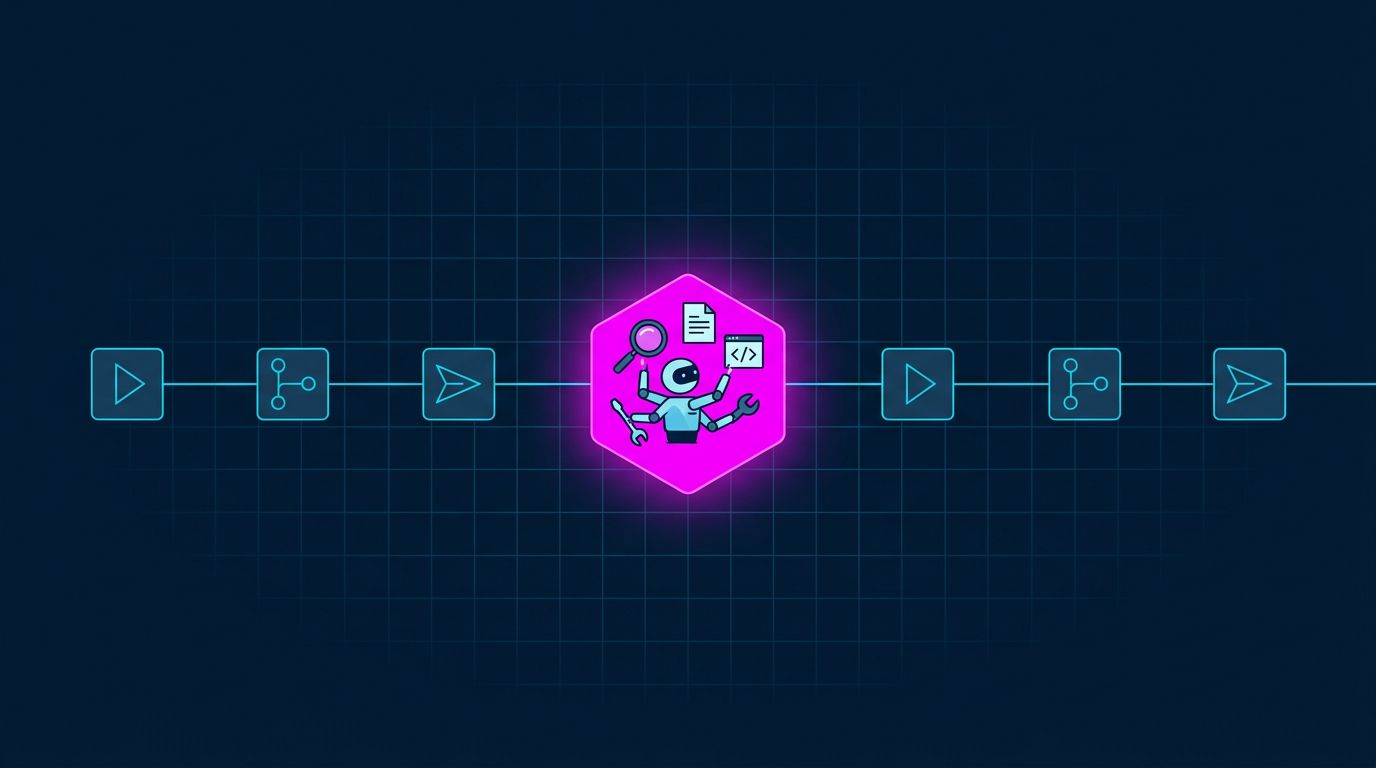
Last month our n8n workflows handed about 12,500 steps to AI agents. None of those workflows were rebuilt or moved. n8n still catches the webhook, loads the order and routes the result. At the one step in the middle that needs judgment, it calls an agent.
That's how we think Blue Leaf fits next to Zapier, Make and n8n. It doesn't replace them. It's the place your automations send the steps they can't write rules for.
Where automations stop working
Workflow tools are excellent at plumbing: a trigger fires, data moves from one app to another, a branch checks a field, an email goes out on day 3. Everything is decided in advance, and it runs the same way every time.
Then a step comes up that you can't write as a rule:
- A customer types "automotive audi cloth" into a search box. Which filter matches that?
- Someone ordered seven samples. What should the follow-up email say, given what they bought and whether we've written to them before?
- A new lead comes in. Is it worth a sales call today, next week, or never?
Teams handle this in three ways. They write a 40-branch IF tree that still misses cases. They drop one LLM call into the workflow, with no tools, no memory and no way to check anything. Or a person does it.
The second option is the tempting one, and it's where things get fragile. A single prompt can't look up the customer's history before writing to them, and it can't retry when a lookup fails. When it gets something wrong, you can see the prompt, but there's no record of how it reached its answer.
Split the work: workflows do the plumbing, agents make the calls
graph LR
    T[Trigger: form, order, webhook] --> W[Workflow tool<br/>n8n / Zapier / Make]
    W -->|judgment step| A[Blue Leaf agent]
    A -->|tools| X[Look up history, search, send]
    A -->|result| W
    W --> R[Route, update CRM, notify]
The workflow tool keeps what it's good at: triggers, app connectors, timed sequences, routing. The agent gets the step that needs thinking, with what a single prompt lacks:
- Tools. It can look things up, check before it acts, and write the result back.
- A sandbox. Tools are TypeScript running in an isolated sandbox, so an agent can write and run real code instead of guessing.
- Files. Each account has a workspace where agents keep notes, reference documents and outputs between runs.
- Time. An agent can run for minutes, call sub-agents, or send a long job to a runner, without hitting your workflow's request timeout.
- A record. Every run is logged with the prompt, each tool call and the answer, along with the version of the agent's prompt that produced it.
Three steps we delegate
These run in production for a fabric business, all triggered by n8n.
Search that understands the question. The site's search box sends the shopper's text to an agent with a response schema, and it answers in about 5 seconds with structured JSON:
{
  "q": "audi automotive cloth",
  "usage": "Automotive",
  "reason": "Automotive-grade cloth built for car interiors..."
}
The workflow plugs q and usage into the normal product search. No branching rules, and new kinds of question need no new code. This one needs no tools: a single call, checked against the schema, is enough. It still gets a versioned prompt and a log of every run. That's about 7,300 runs a month.
Sample follow-ups that read the history first. When someone orders samples, n8n hands the order to a follow-up agent. The agent checks whether we've already written to this customer, writes a first-touch or follow-up email to match, sends it, and opens a ticket. A run takes about 18 seconds, which is why n8n starts it without waiting and checks back later. About 2,800 runs a month.
Lead triage. New leads go to a lead management agent that decides what happens next, and the more promising ones go to an enrichment agent that researches them for about 40 seconds. Together that's over 2,200 runs a month.
In every case, n8n still owns the trigger, the scheduling and the delivery. The agent owns the decision.
How to wire it
Any workflow tool that can send an HTTP request can delegate. Use your Blue Leaf API key as the Bearer token.
A quick step that returns JSON. Give the agent a responseSchema (a JSON Schema) in its settings and call it synchronously. The reply's response is an object that matches the schema. Schema agents answer in one call without tools, so use the next pattern when the step has to look things up:
POST https://api.blle.co/agent/run
Authorization: Bearer YOUR_API_KEY
Content-Type: application/json

{"agentId": "<uuid>", "prompt": "automotive audi cloth"}
A longer step with tools. Start the run, get a 202 with an executionId straight away, and poll until it's done:
POST https://api.blle.co/agent/runs
Authorization: Bearer YOUR_API_KEY
Content-Type: application/json

{"agentId": "<uuid>", "prompt": "<the order as JSON>"}
GET https://api.blle.co/agent/runs/<executionId>
Authorization: Bearer YOUR_API_KEY
In n8n, each request is an HTTP Request node with those fields; for the long pattern, add a Wait node and loop until status is completed or failed. In Zapier or Make, it's a webhook or HTTP step. The platform docs cover the rest.
What we deliberately don't build
Blue Leaf has no visual flow builder, no library of app connectors and no drip-campaign engine. n8n, Zapier and Make already do those well, and you've likely already built your workflows in one of them. Rebuilding them here would make you migrate everything to get one smarter step.
So the split is simple. If a step can be written as a rule, keep it in your workflow. If it needs judgment, delegate it to an agent.
What it costs
Blue Leaf counts actions: one per agent run and one per tool call. You bring your own model API keys and pay the model provider directly; we never mark up your tokens. Plans are on the Dynamic MCP page.
If you already run workflows in n8n, Zapier or Make, pick the one step you've been handling by hand or with a fragile prompt, and hand it to an agent. If you'd like help choosing which step, get in touch.