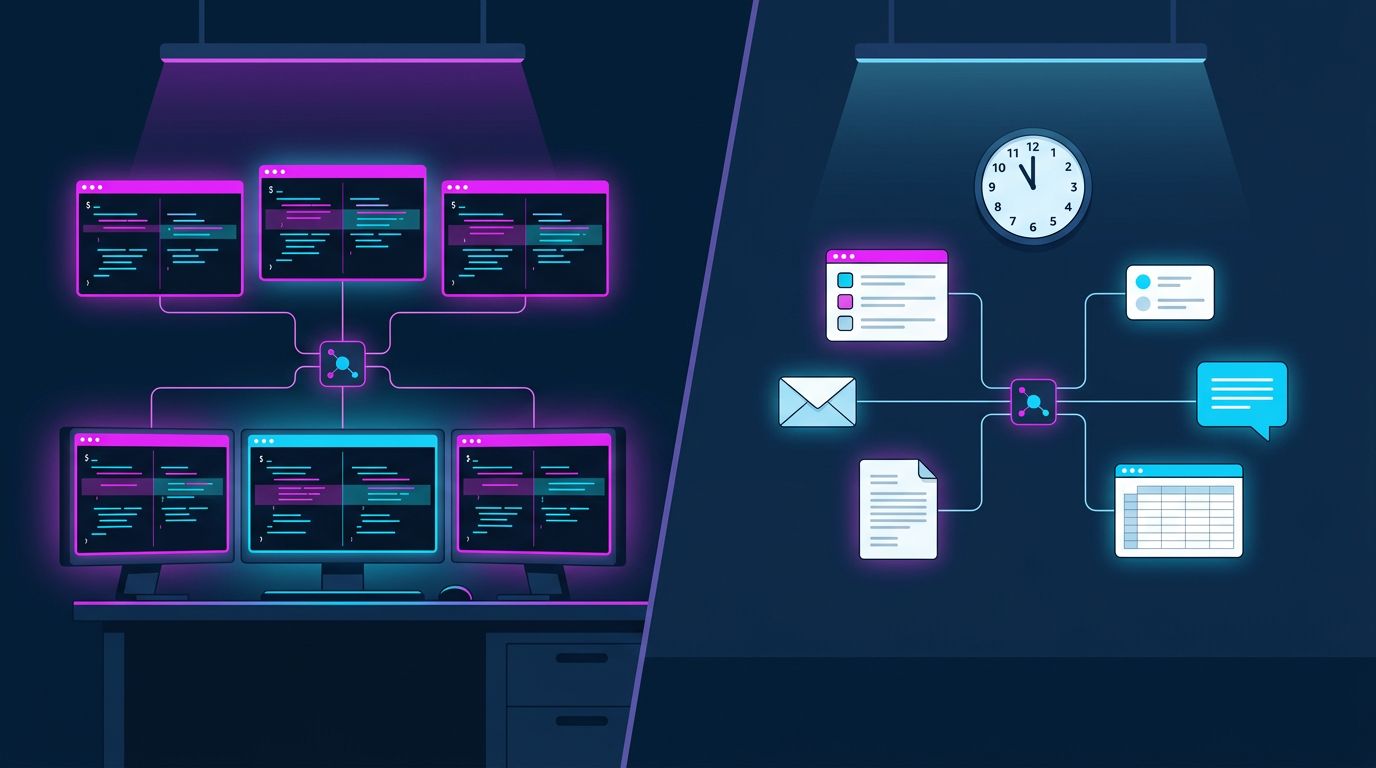
Evaluating Orca: Agent Orchestration for Coding Agents vs Operational Agents
We spent a day evaluating Orca, the open-source orchestrator for running fleets of AI coding agents. It's good software, and it's built for a different job than ours. Our agents don't write code. They run a business: daily checks, reports, customer chat, lead research, follow-up emails. Nobody watches most of their runs.
Both have to solve the same core problems: agents that loop, work handed between agents, and runs that fail without anyone noticing. This is how Orca approaches them for coding agents, and how our platform handles them for operational ones.
What Orca is
Orca is a desktop app, MIT-licensed, for developers who run several coding agents at once: Claude Code, Codex, OpenCode and about 30 others. Its core move is isolation: every agent gets its own git worktree, so five agents can work on the same repository without stepping on each other. You review each agent's diff, comment on exact lines, and turn the winner into a pull request.
The orchestration layer is the interesting part. A coordinator agent hands work to worker agents through a small protocol:
worker-startgives a worker a self-contained task spec and its own workspace. The coordinator then ends its turn. Orca wakes it when there's mail. The guide is blunt about this: never poll, Orca wakes you.ask/reply: a worker can stop and ask its coordinator a question, and is woken with the answer.sendreaches a worker at any point, even after it has finished, as a follow-up task.worker_doneis the required final report: outcome, evidence, open blockers. "Never mark a reported failure completed."- Task graphs: tasks with dependencies, and
task-list --readytells the coordinator what to start next. - A circuit breaker: after three failed starts on one task, the task fails and the coordinator may not route around it with a new task.
- "Silence, a timeout, or unverifiable liveness alone never proves exit." Nothing is assumed dead or done without proof.
Underneath that protocol is a lot of machinery. The orchestration runtime alone is about 400 source files: terminals that outlive their agents, workers that may or may not still be alive, remote servers, retries. That's the honest price of "start workers, sleep, get woken reliably", and it's worth knowing before you try to build the same thing.
Coding agents and operational agents are different jobs
Here's how the two compare, side by side:
| Coding agents (Orca) | Operational agents (our platform) | |
|---|---|---|
| Output | A diff to review and merge | A report, an email, a file, a chat answer, a database update |
| Who's watching | A developer, usually right there | Usually nobody: it's a scheduled run |
| Started by | A person | Schedules, n8n workflows, chat, a website widget, other agents |
| Isolation problem | Two agents editing the same file | Rarely an issue |
| Typical failure | A broken build, a merge conflict | A run that "completes" and quietly doesn't do its job |
That last row is the one that matters. A coding agent that fails usually fails loudly: tests go red, the diff is wrong, the developer sees it. An operational agent that fails at 11am on a Sunday fails quietly, and you may find out weeks later.
How our platform orchestrates
Our platform runs agents in the cloud. A capability is files, tools and an agent: agents use tools that work on a per-user file workspace, and they hand work to each other.
graph TD
    S[Schedule] --> C[Coordinator agent]
    N[n8n workflow] --> C
    U[Chat / widget] --> C
    C -->|Invoke_Agent, waits for the reply| A[Specialist agent]
    C -->|Invoke_Agent| B[Specialist agent]
    A --> T[Tools in a sandbox]
    B --> T
    T --> W[(Workspace files)]
    C -->|Run_On_Runner, up to an hour| R[Runner machine]
- Delegation is a tool call.
Invoke_Agentruns another agent and returns its reply. It has no time limit, and chains are capped at three levels deep so agents can't call each other in a loop. - Long commands go to a runner. Renders and other slow jobs run on a separate machine for up to an hour, without holding a sandbox slot.
- Workflows stay in n8n. Triggers, connectors, drips and timed sequences live in n8n, which calls us for the steps that need an agent. We don't rebuild a flow engine.
Compared with Orca, the big difference is that our delegation blocks: the calling agent waits for the reply instead of ending its turn and being woken. We used to have a job queue that worked more like Orca. We removed it, because almost nothing used it and waiting in-process is simpler at our scale.
Where the designs differ, and why
Much of Orca's machinery solves problems operational agents don't have, or ones we've tried and moved away from:
- Worktrees and merge review: our agents don't produce diffs.
- Start, sleep, get woken: that needs a durable queue. We retired ours; it was carrying almost no traffic.
- Task graphs: that's a workflow engine, and n8n already is one.
- A coordinator directing a named crew: we ran a crew of named agent personas once, and later a layer of written procedures with an orchestrator agent on top. The procedure layer was fully written and never ran once. Both are gone. Repeatable procedures are now skills; everything else is plain agents.
- Remote VMs per task: we tested several sandbox and VM services. None beat our own runner machine, and sandbox usage was around half a percent of capacity.
How our platform handles the problems both share
Some problems don't care whether an agent writes code or runs operations. Here's how our platform handles four of them, with Orca's approach alongside.
1. Loops: a breaker keyed on results, not failures
Orca stops a task after three failed starts. In operational agents the loop usually shows up in tool calls instead: an agent re-issuing the same call over and over. Back in August, one agent ran the same web search 98 times across two runs after the search backend died. Agents looping like that made up 41% of our search volume that month.
When we went looking for loops this time, we found a fresh one: a daily finance check had made 89 identical calls to its storage tool in under three minutes. Every one of them succeeded. The agent had saved its summary without the write action, so the tool treated it as a read and returned an empty listing; the file looked missing, and the agent kept checking.
A breaker that counts failures would never trip on that. So the platform counts identical calls that keep returning the identical result. Simplified from our implementation (canonicalJson sorts object keys before serializing, so argument order doesn't matter):
// Per run: once a call (tool + arguments) has returned the same result twice,
// further identical calls get a notice instead of running.
const seen = new Map<string, { result: string; times: number }>();

async function guarded(name: string, input: unknown, execute: () => Promise<unknown>) {
  const key = `${name}\u0000${canonicalJson(input)}`;
  const prior = seen.get(key);
  if (prior && prior.times >= 2) {
    return {
      content: [{ type: "text", text:
        `Not run: you already called ${name} with these exact arguments ${prior.times} times ` +
        `and got the same result each time, so it will not change. Use the result you have, ` +
        `change the arguments or approach, or report the blocker.` }],
      isError: true,
    };
  }
  const result = await execute();
  const hash = sha1(canonicalJson(result));
  seen.set(key, prior?.result === hash ? { result: hash, times: prior.times + 1 } : { result: hash, times: 1 });
  return result;
}
A call whose result changes is never blocked, so reading a file, writing it and reading it again still works. We also fixed the tool itself: a call with content but no action now fails loudly instead of quietly doing a read.
2. Handoffs: a required final report
Orca's workers finish with worker_done: outcome, evidence, open blockers. On our platform, every sub-agent and every scheduled run ends with a three-line report:
Status: done
Evidence: <what you checked or produced: file paths, ids, numbers>
Blockers: none
Status is done, failed or needs-input. A sub-agent's report goes back to the agent that called it, and the caller is told never to treat failed or needs-input as done. A needs-input question is answered by calling the sub-agent again in the same session. For scheduled runs, code reads the last Status line and records failed or needs-input as a failed run.
One lesson from testing: the first version listed the options on the Status line, Status: done | failed | needs-input. A small model (gpt-oss 20B) copied that line verbatim on 2 of 5 tasks. Showing a filled-in example and stating the allowed values separately fixed it: 0 of 5. Format instructions for small models need examples, not templates.
To be clear about what this is: the agent grading itself. It tells you why a run failed when the agent knows. It doesn't catch an agent that thinks it succeeded.
3. Delegation: self-contained task specs
A sub-agent sees nothing of the caller's conversation, so the platform's Invoke_Agent tool tells the calling agent to write every task so it stands on its own: the goal, the constraints, what may change, and the evidence that shows it's done. Orca asks the same of its specs. It costs nothing but wording, and it's the cheapest reliability gain in multi-agent work.
4. Failures: silence is not proof
Orca never treats a quiet worker as finished. For unattended agents the matching rule is: no failure goes unrecorded, and every failure shows up somewhere you already look.
Holding our platform to that rule found real gaps. A run that died before it started, for example on a broken setting, left no record in run history; only a server log line knew. Our daily agent report did flag failing schedules, but it could only say "failed", not why, and it was red so often that one more red line didn't stand out. Reopening a failed conversation in the admin chat showed whatever partial text the run had written, with nothing saying it had failed.
How the platform handles it now:
- Every run that fails leaves a record with the reason, including runs that die before they start.
- The home page shows a warning for any scheduled agent whose last run failed, with the error. It clears itself on the next good run.
- The admin chat marks failed runs: a red dot on the thread, and a red "This run failed: …" message when you reopen it.
What we tried and reverted
Our first attempt at catching "completed but didn't do the job" was a deliverable check per schedule: "this run must write a file into this folder" or "this run must call the email tool". It replayed perfectly against the finance agent's bad runs.
We reverted it the same day. Plenty of agents don't produce files or call one specific tool: they answer a question, post to Slack, update a record, or correctly decide there's nothing to do. A hand-picked rule per schedule is brittle, and an empty file still passes. The better shape is an agent-level judgement: compare what the run was asked to do with the tool calls it actually made. That's the kind of call an agent should make, not a regex. It's on our list.
Where Orca's model is still ahead
Our setup handles our workload well: a coordinator calling specialists, scheduled operational agents, and n8n calling in. Still, there are places Orca's approach is stronger:
- Durability. If our server restarts while a coordinator waits on sub-agents, the whole chain is marked interrupted and not resumed. Orca keeps its coordination state in a database and has machinery to re-adopt agents that are still running.
- Real parallelism. Our sub-agents only run in parallel when a model asks for several in one step. Orca starts workers and sleeps.
- A human in the loop. In Orca, a worker's question reaches a person's phone. A scheduled run of ours that needs a decision is now flagged, but there's no proper way to answer it and let the run continue.
None of those matter much at a handful of scheduled agents and short delegation chains. They would for long fan-out jobs or many agents working toward one goal.
If you run operational agents
Orca's app is for developers, but its orchestration guide (in the repo's skill-guides/ folder) is worth reading as a statement of the problems any multi-agent setup has to solve. For operational agents, these are the principles our platform is built around:
- Break loops on repeated identical results, not just failures. Your worst loops may be made of successful calls.
- Require a final report: status, evidence, blockers. Treat it as the agent's own view of how it went.
- Write specs that stand alone: goal, constraints, what may change, what proves done.
- Make every failure leave a record with a reason, especially failures that happen before the work starts.
- Put failures where you already look, and keep your alerts quiet enough that red still means something.
- Judge "did it do the job" with an agent comparing the ask to the actions, not with a rule per job.
Orca is built for developers watching coding agents. Operational agents mostly run with nobody watching, so the rules above matter more for them, not less.